

Get the best workspace for your goals
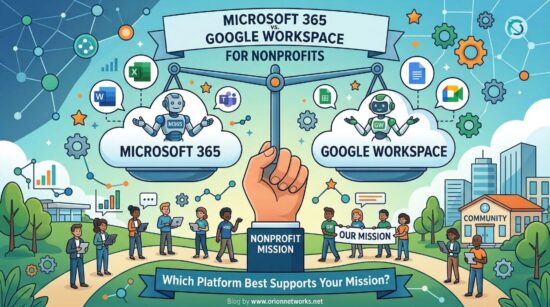
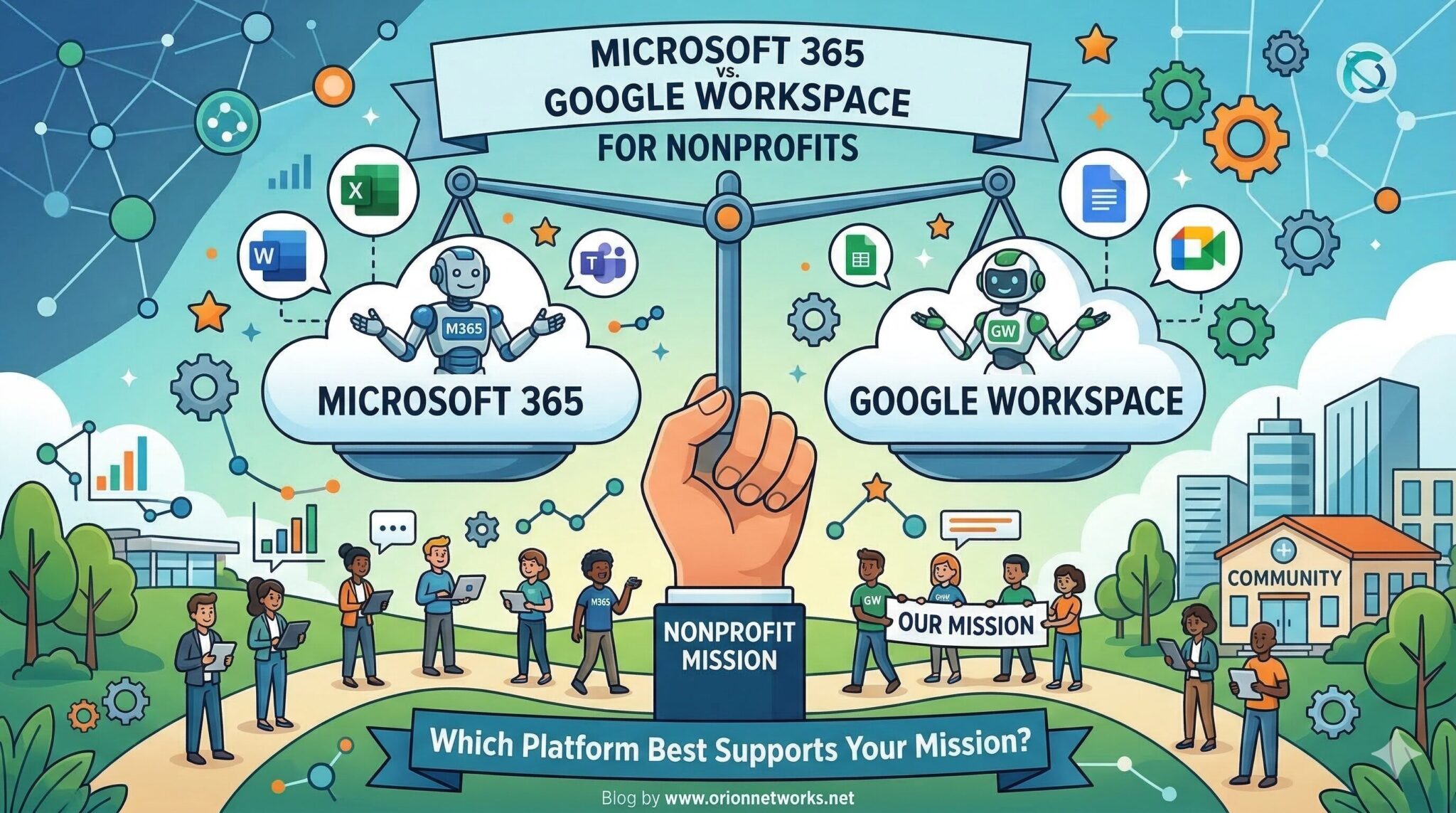
Nonprofits today operate in increasingly complex digital environments, managing donor data, coordinating distributed teams, and ensuring compliance with strict data protection standards. Choosing between Microsoft 365 and Google Workspace is no longer just an IT decision, as it contributes to strategy.
In this guide, we compare both platforms specifically for nonprofit organizations, helping you determine which aligns best with your mission, budget, and operational needs.
Donor Data Security & Compliance: Protecting What Matters Most
For nonprofits, donor trust is everything, that starts with data security.
Microsoft 365 offers enterprise-grade security features such as advanced threat protection, device management, and compliance tools aligned with regulations like GDPR and HIPAA. These tools are often included even in nonprofit plans, making it a strong choice for organizations handling sensitive donor or beneficiary data. On the other hand, Google Workspace follows a “secure-by-design” model with AI-driven phishing detection and a zero-trust architecture. However, many advanced controls, (like data loss prevention) require higher-tier plans. Academic research also highlights that collaboration platforms can introduce vulnerabilities through third-party integrations if not properly managed, reinforcing the need for strong governance regardless of platform choice.
If your nonprofit requires strict compliance and granular control over donor data, Microsoft 365 typically provides more robust built-in protections.
Collaboration for Distributed Teams: Enabling Mission-Driven Work Anywhere
Modern nonprofits often operate across regions, time zones, and even continents. Collaboration tools are critical. Google Workspace excels in real-time collaboration. Teams can simultaneously edit documents, leave comments, and manage projects with minimal friction which makes it ideal for distributed or volunteer-heavy organizations. Meanwhile, Microsoft 365 offers deeper collaboration through tools like Teams, SharePoint, and integrated workflows. It’s particularly strong for structured collaboration, such as board reporting, grant documentation, and multi-step approvals.
Choose Google Workspace for simplicity and real-time collaboration
Choose Microsoft 365 for structured workflows and integrated communication
Storage, Document Management & Scalability
Nonprofits generate large volumes of content, from grant proposals to donor records and program reports. Microsoft 365 typically includes 1TB of storage per user, along with advanced document management via SharePoint and OneDrive. In contrast, Google Workspace uses pooled storage, which can be flexible but may require upgrades as your organization grows. Microsoft also offers stronger governance tools like version control, permissions, and audit trails, essential for nonprofits dealing with compliance-heavy documentation.
If your nonprofit handles complex documentation or requires strict control over files, Microsoft 365 offers more scalability and structure.
Learn what works best for you with a free strategy call
Cost Efficiency & Nonprofit Licensing
Budget constraints are a reality for most nonprofits, making cost a key factor. Both Microsoft 365 and Google Workspace offer discounted or free nonprofit plans, often accessed through validation programs.
However, pricing structures differ:
-
Microsoft bundles more tools (Teams, desktop apps, security) into its ecosystem
-
Google often requires additional tools or upgrades for advanced functionality
Some organizations end up running hybrid environments, using Google for collaboration and Microsoft for finance or compliance, which can increase IT complexity. The “cheaper” option depends on your needs: Microsoft may reduce tool sprawl, while Google can lower upfront complexity.
Which Platform is Right for Your Nonprofit?
There’s no one-size-fits-all answer, but there is a best fit for your organization.
Choose Microsoft 365 if you need:
-
Advanced donor data security and compliance
-
Integrated tools for reporting, finance, and governance
-
Scalable IT infrastructure with centralized control
Choose Google Workspace if you need:
-
Easy onboarding for staff and volunteers
-
Real-time collaboration across distributed teams
-
A simple, cloud-native environment with minimal IT overhead
How Orion Networks Supports Nonprofits with Microsoft 365
Selecting the right platform is just the beginning. Successful implementation, and ongoing optimization, is where real impact happens. At Orion Networks, we specialize in Microsoft 365 for Nonprofits and Nonprofit IT Services & Microsoft 365, helping organizations:
-
Secure donor and beneficiary data
-
Optimize collaboration for hybrid and remote teams
-
Configure compliance and governance policies
-
Reduce IT complexity and operational risk
Final Thoughts
Both platforms are powerful, but your nonprofit’s success depends on aligning technology with mission-critical needs like donor trust, collaboration, and scalability.
If your organization is evaluating platforms or considering a migration, the right partner can help you avoid costly missteps and maximize ROI.